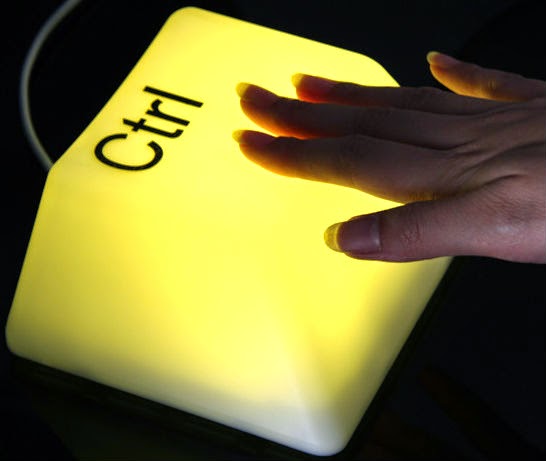
Sim, estamos perto da morte do Ctrl-S
Originally shared by Jeff Jarvis
Goodbye, Ctrl-S
I miss Ctrl-S and the habit, the twitch, the protection, the distraction, the responsibility, and the imperative that saving my work has been for me every few moments since I started writing on computers 40 years ago.
How often have all we learned — the hard way — the price of not hitting the Save button (in the early days of what we called word-processing) or then Ctrl-S (in Microsoft’s Word era, now ending)? “Did you save your work?” the unsupportive support guy would scold whenever the machine would lose everything I’d been working on since last hitting those comfort keys. The loss was never the computer’s fault. One was supposed to assume, oddly, that the machine was the fallible one in this relationship — it was destined to crash sometime; you simply didn’t know when — and it was the human’s job to cover for the computer, saving one’s work to save its ass.
Today I live entirely in the cloud and the tools I use to write most of the time — Google Docs and Medium, too — do the saving for me, automatically. “All changes saved,” Google informs me. “Saved,” Medium says. These are like benedictions assuring me of God’s grace and salvation from weakness and sin. Godle loves me.
Since I don’t need Ctrl-S anymore, I can now appreciate how much it had become a part of my ritual of writing and even of thinking. I used to hit Ctrl-S not just as data insurance — hell, I’d often hit it after having not made a single change in my text since the last time I’d hit it. I hit Ctrl-S as a break, a psychic, semiotic semicolon. It gave me a moment to search for the right word, to plan the structure of where I would go next, to commit to what I’d written, or to wonder whether I had the courage to erase what I’d written and try again.
the rest at Medium: https://medium.com/@jeffjarvis/8f424e463dbe
 Google+ c.a.t. (1/2)
don’t think the cloud has nothing to do with this… they might have implemented it loooooonnnnnnnnngggggg ago…
another one they will implement some day… Ctrl C… once you select something, automatically should be copied to the clipboard… and the clipboard should NEVER be erased by the new copy, but keep at least the last 10 or 20 clipboards…
I suggested several ideas to Microsoft as a beta tester 30 years ago and have never been implemented… they never really cared about the user, besides the user’s pockets…
CurtirCurtir